Shopify
Each Chordis account connects its Shopify stores through its own custom-distribution Shopify app. Set up the app once, then connect stores on the Inputs page.
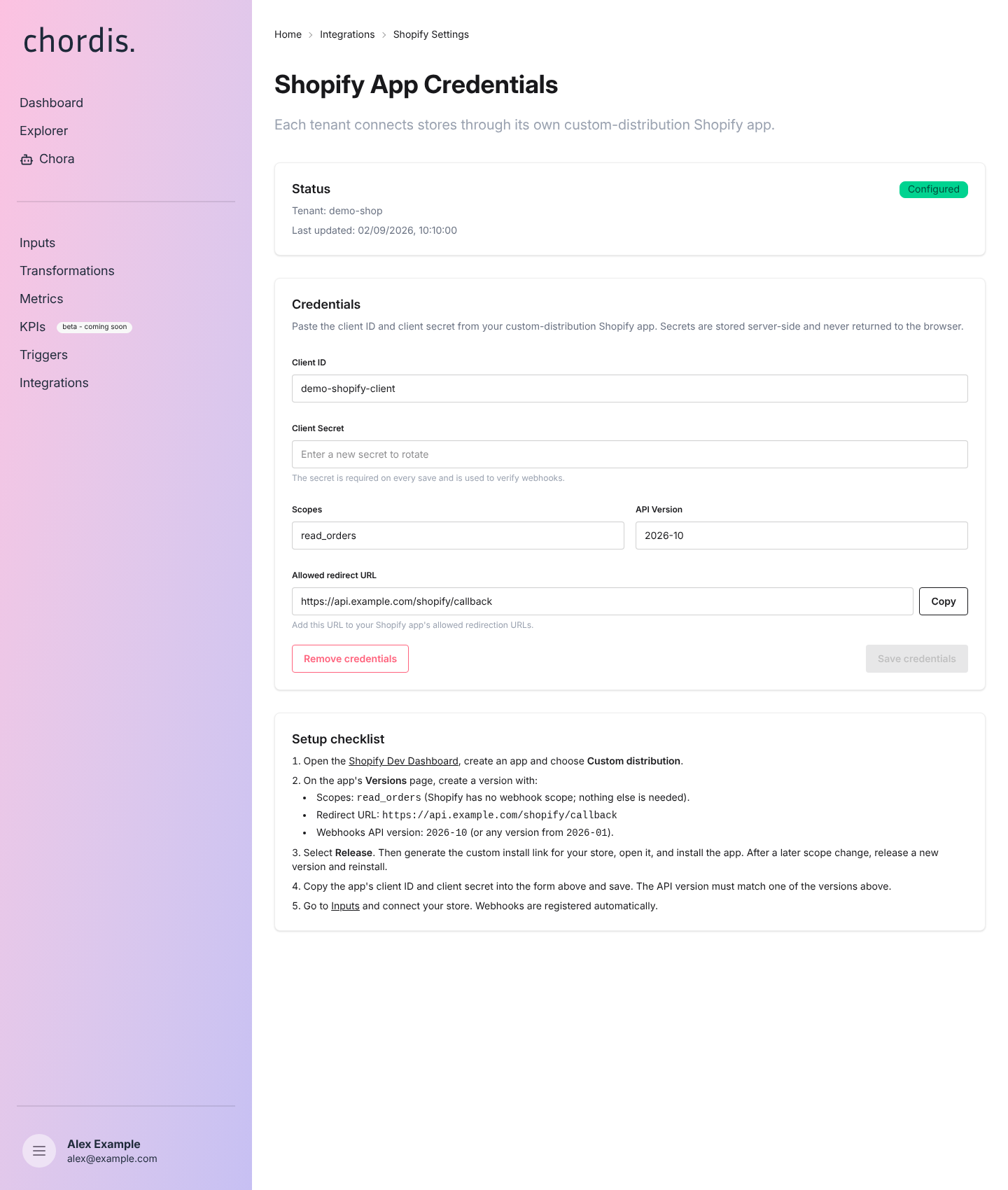
Setup checklist
- Open the Shopify Dev Dashboard, create an app and choose Custom distribution.
- On the app's Versions page, create a version with:
- Scopes:
read_orders. Shopify has no webhook scope; nothing else is needed. - Redirect URL: the Allowed redirect URL shown on this page.
- Webhooks API version: the version shown on this page.
- Scopes:
- Select Release. Then generate the custom install link for your store, open it and install the app. After a later scope change, release a new version and reinstall.
- Copy the app's Client ID and Client Secret into the form and select Save credentials. The API version must match the version above.
- Go to Inputs and connect your store. Webhooks are registered automatically.
The client secret is required on every save and is used to verify webhooks. Secrets are stored server-side and never sent back to the browser. Remove credentials deletes them.