What Chordis does
Chordis collects events from your shop and other systems, turns them into per-customer metrics, and reacts when a metric crosses a threshold. A reaction can be a custom event sent to Klaviyo or Brevo, which starts a flow or automation there, or a call to your own webhook. Chordis then measures how many of the customers it reached went on to convert.
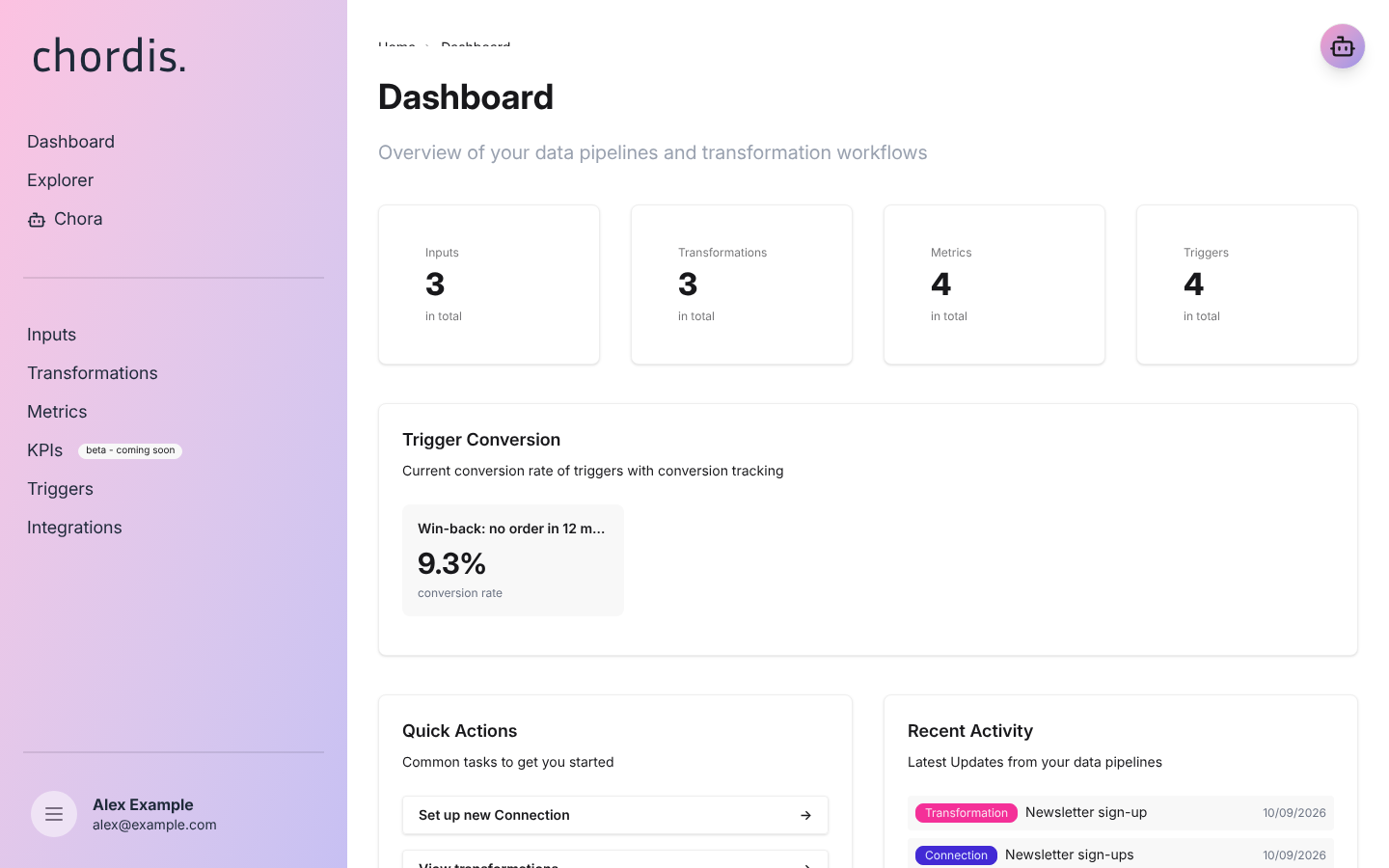
How the parts fit together
| Step | Where in Chordis | What happens |
|---|---|---|
| 1. Collect | Inputs | Events arrive over HTTP, or from a connected Shopify store. |
| 2. Normalise | Transformations | Each incoming field is sorted into Action, Scope, Item or Context. |
| 3. Measure | Metrics | Events are counted or summed per customer over a time window. |
| 4. React | Triggers | When a metric passes a threshold, Chordis notifies a destination. |
| 5. Deliver | Integrations and the trigger form | Klaviyo or Brevo (API key under Integrations), or a webhook (set in the trigger) receive the result. |
| 6. Learn | Conversion | Chordis reports how many reached customers converted. |
You can browse every event in the Explorer and ask the assistant Chora about your setup at any time.
About the screenshots
All screenshots show Demo Shop, a made-up online fashion store. Names, customers, IDs and figures are invented. The screenshots are generated from the current version of the Chordis interface, so they match what you see.