Profile
Open your profile from the menu button next to your name at the bottom of the sidebar.
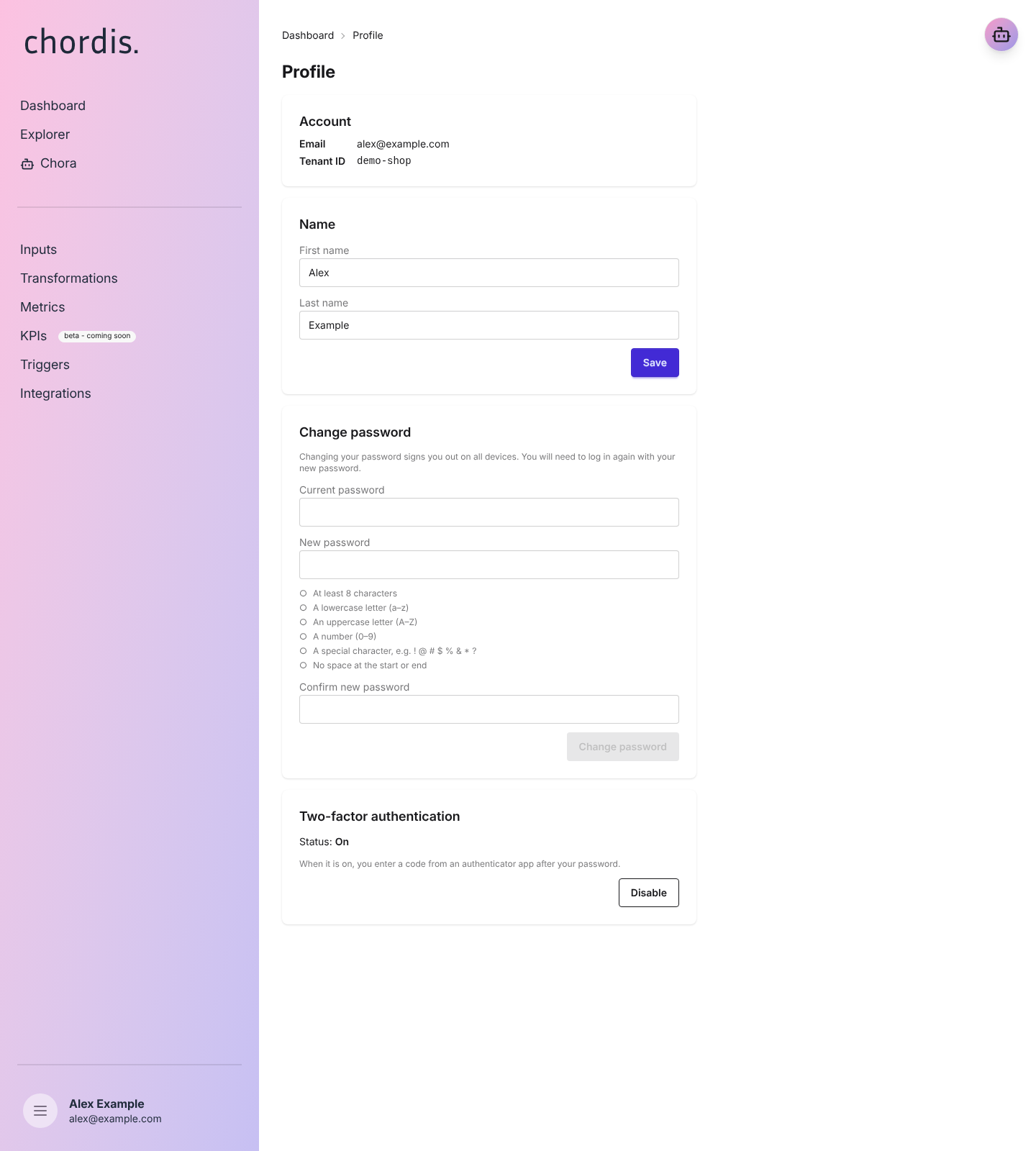
- Account: your Email and Tenant ID (your Chordis account).
- Name: change your First name and Last name, then select Save.
- Change password: enter your current password and the new one twice. The list shows which password requirements are met. Changing your password signs you out on all devices.
- Two-factor authentication: when it is on, you enter a code from an authenticator app after your password. Disable turns it off; when it is off, you can turn it on again here.