Brevo
Chordis connects to Brevo with an API key. With it, triggers send custom events to Brevo contacts and list your active email templates for conversion attribution.
Create the key in Brevo
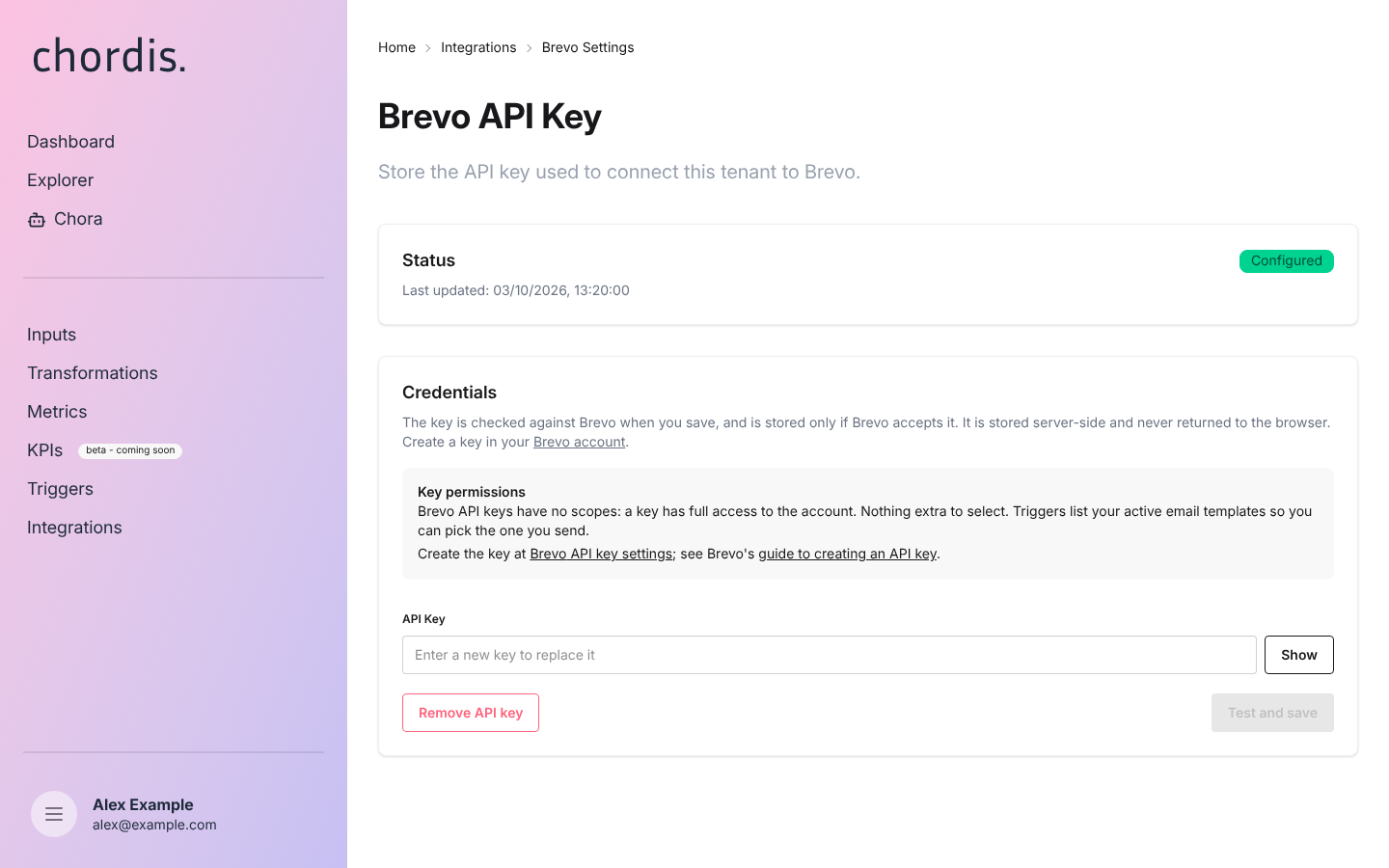
Brevo API keys have no scopes: a key has full access to the account, so there is nothing extra to select.
Store the key in Chordis
- Open Integrations → Brevo.
- Paste the key into API Key and select Test and save. Chordis checks the key with Brevo and stores it only if Brevo accepts it.
Status shows Configured and when the key was last updated. The key is stored server-side and never sent back to the browser. To replace it, enter a new key; Remove API key deletes it.
Use it in a trigger
In a trigger's Destination, choose Brevo and set an Event name. Start a Brevo automation on that event. See Edit a trigger.