Dashboard
The dashboard is the first page after you sign in.
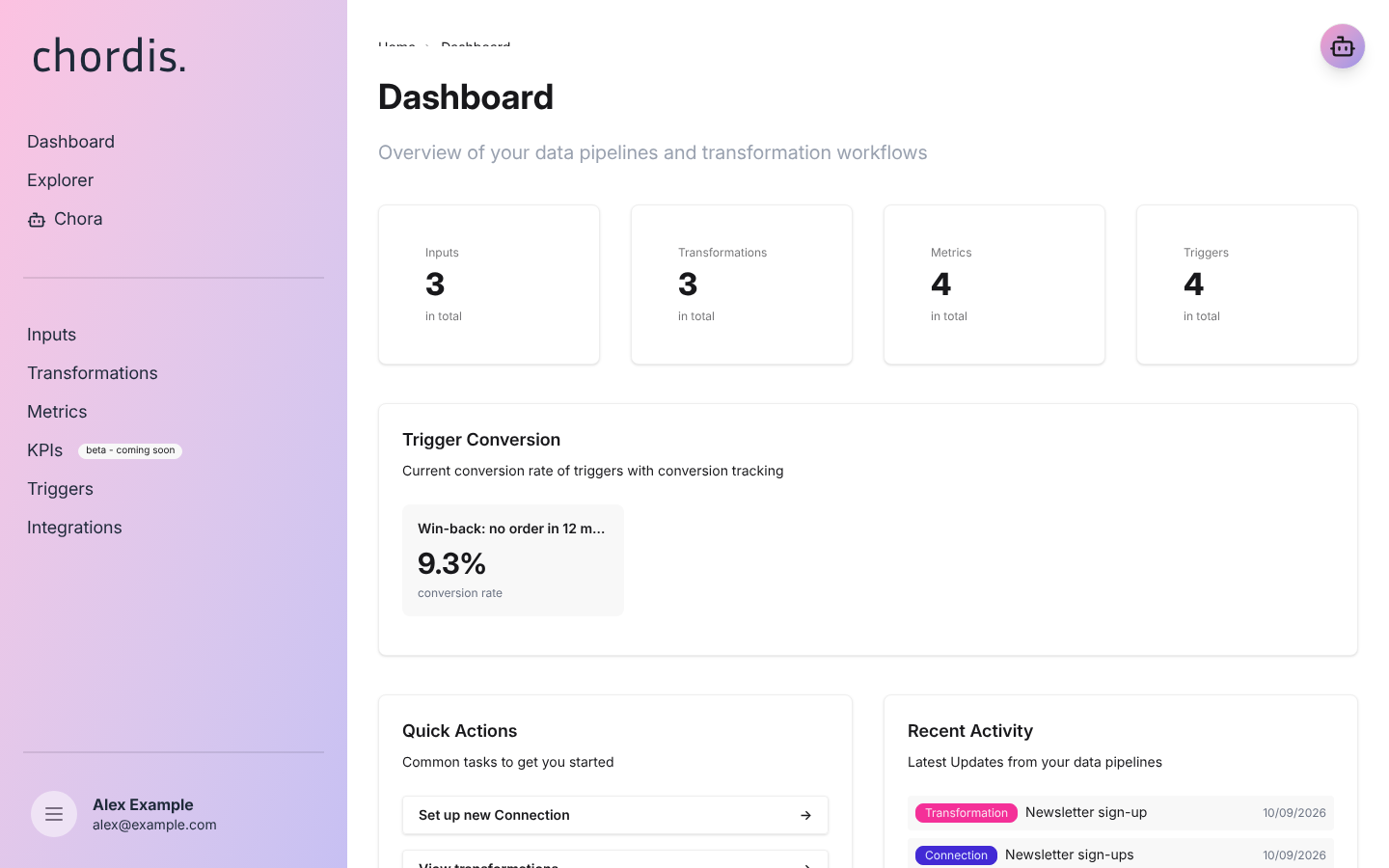
- Inputs, Transformations, Metrics, Triggers: how many of each your account has.
- Trigger Conversion: the current conversion rate of every trigger that has conversion tracking turned on.
- Quick Actions: shortcuts such as Set up new Connection and View transformations.
- Recent Activity: the latest inputs, transformations, metrics and triggers that were created.
Navigation
The sidebar on the left is available on every page:
- Dashboard, Explorer and Chora (the assistant).
- Inputs, Transformations, Metrics, KPIs (beta), Triggers and Integrations.
- The menu button next to your name at the bottom opens Profile (see Profile) and Log out.